Hytale

Mods run on the server, so players don’t have to do anything on their client, the game just loads them when you join a modded server. You can also add mods for single-player by placing them in the game’s system folders, but that’s a community trick. To put mods on a Dathost server, stop the server, upload the .jar files in the Mods & Plugins tab or paste the CurseForge Mod URL, then start the server again. Always back up your world, add one mod at a time, and only use trusted sites like CurseForge.
Client vs Server Mod Installation
Hytale handles mods on the server side, not on each player’s computer. When you join a modded server, the game streams mod content directly from the server to your game client. There are some community methods for single-player mods where files are placed in a local Mods folder, but that’s a community trick.
Client: Installing Hytale mods is very easy, you don’t need to do anything. The Hytale client remains unmodified, you just join the server and any installed mods run in your game automatically.
Server: Where all mod installation happens.
Hytale Mod Installation on DatHost
1. Stop Your Hytale Server
Before adding any mods, you need to make sure your server is offline. Go to your DatHost control panel and click the Stop button for your Hytale server. This is important because mods can be added safely when the server is not running.
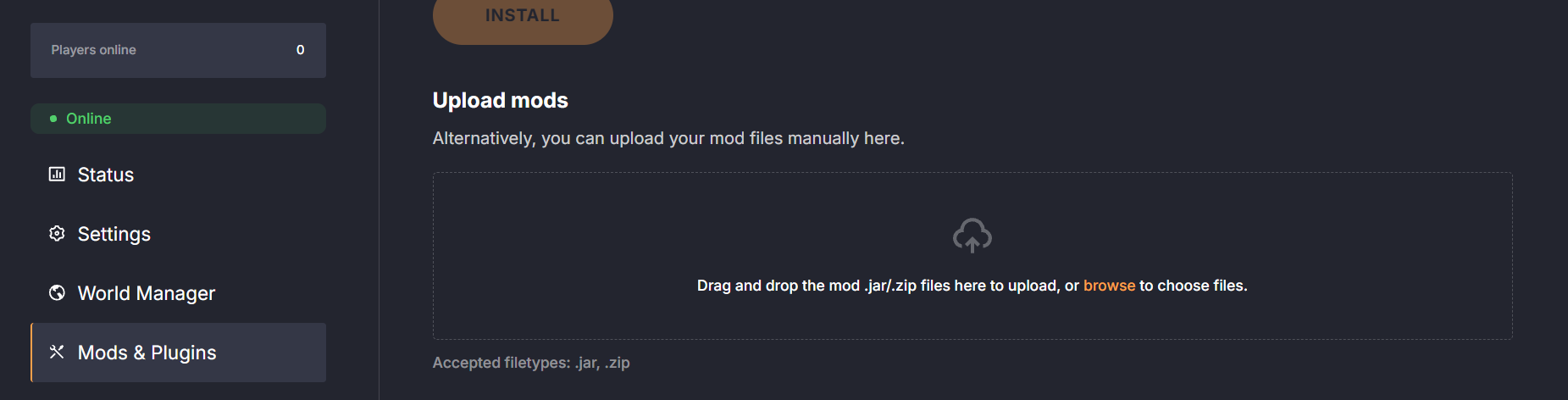
2. Open the Mods & Plugins Tab
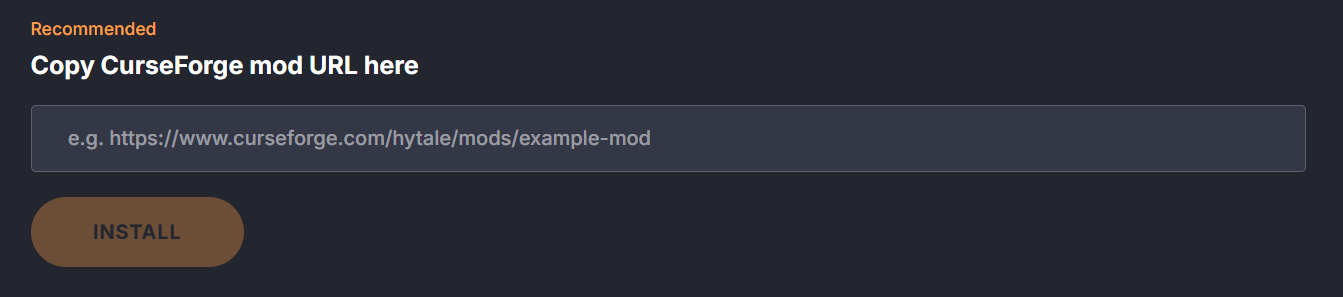
Once the server is stopped, go to the Mods & Plugins tab in the DatHost control panel. This is the dedicated area for adding mods. Here, you have different ways to upload mods:
- Paste a CurseForge mod URL directly into the box.
- Drag and drop mod files from your computer (like .zip or .jar files).
Alternatively find the mods folder. In the server’s file structure, look for a folder named mods.
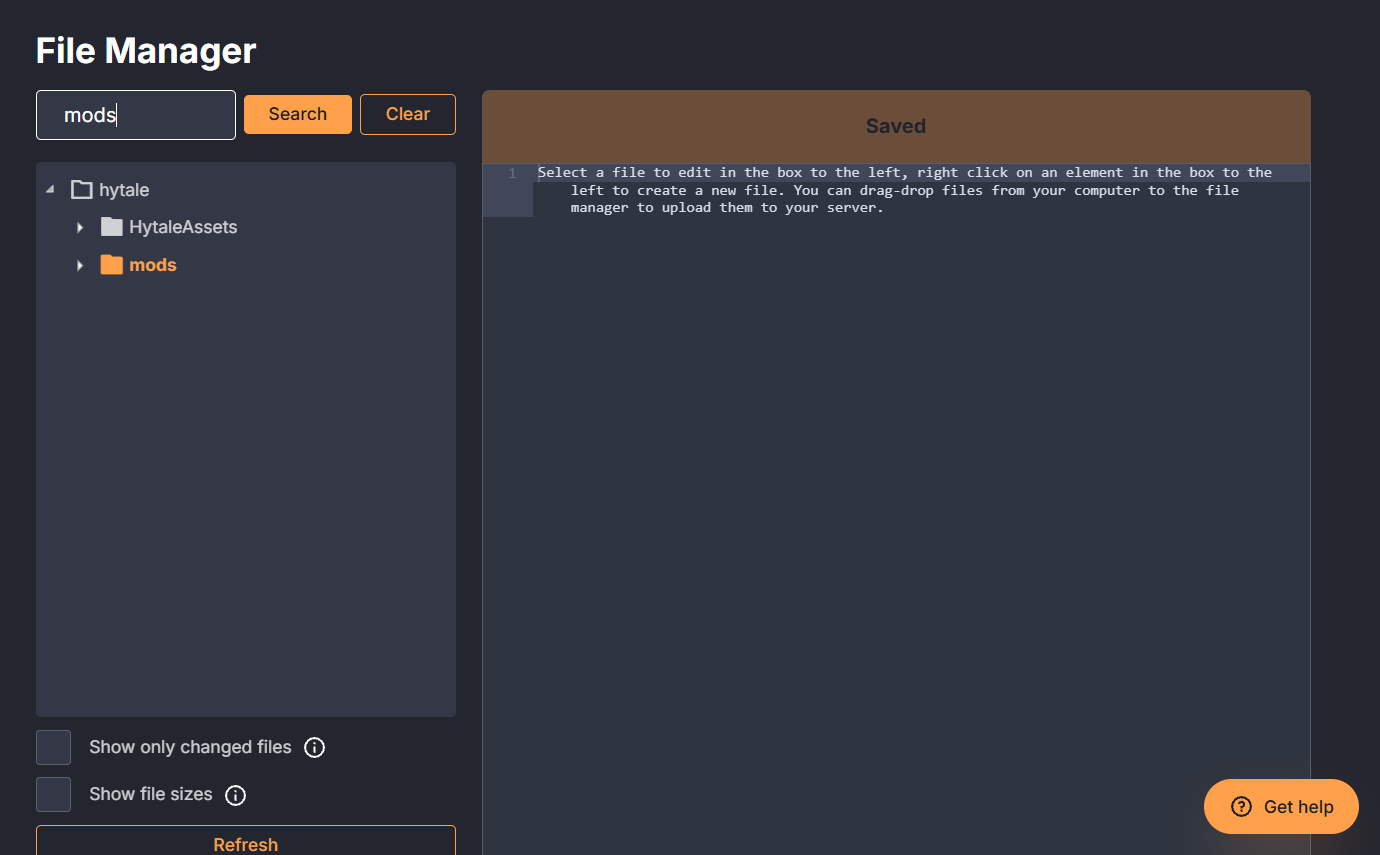
Start the server: The server will read the mods folder on startup.
Following these steps installs the mods on your DatHost server. Players can then join normally and experience the modded content.
Tips for Installing Mods
- Back up first: Always save your world before adding mods.
- Check compatibility: Use mods made for your Hytale version.
- Add one at a time: Install mods individually and restart the server each time.
- Restart after changes: Mods only load at startup; check the console for errors.
- Use trusted sources: Download mods from reputable sites like CurseForge.
- Watch performance: Some mods can slow the server; remove any that cause lag or crashes.
Frequently Asked Questions
It’s better to install mods one by one. This makes it easier to identify problems and ensures your server stays stable.
No, the Hytale client does not need modifications. All mods run from the server, so joining a modded server automatically loads them.
Check the server console after startup. Remove mods that cause crashes or errors, and always restart the server after making changes.
Yes! Always back up your Hytale world before adding mods to prevent losing progress if something goes wrong.
Technically no, but too many mods can slow your server or cause conflicts. Start small and test performance as you add more.